

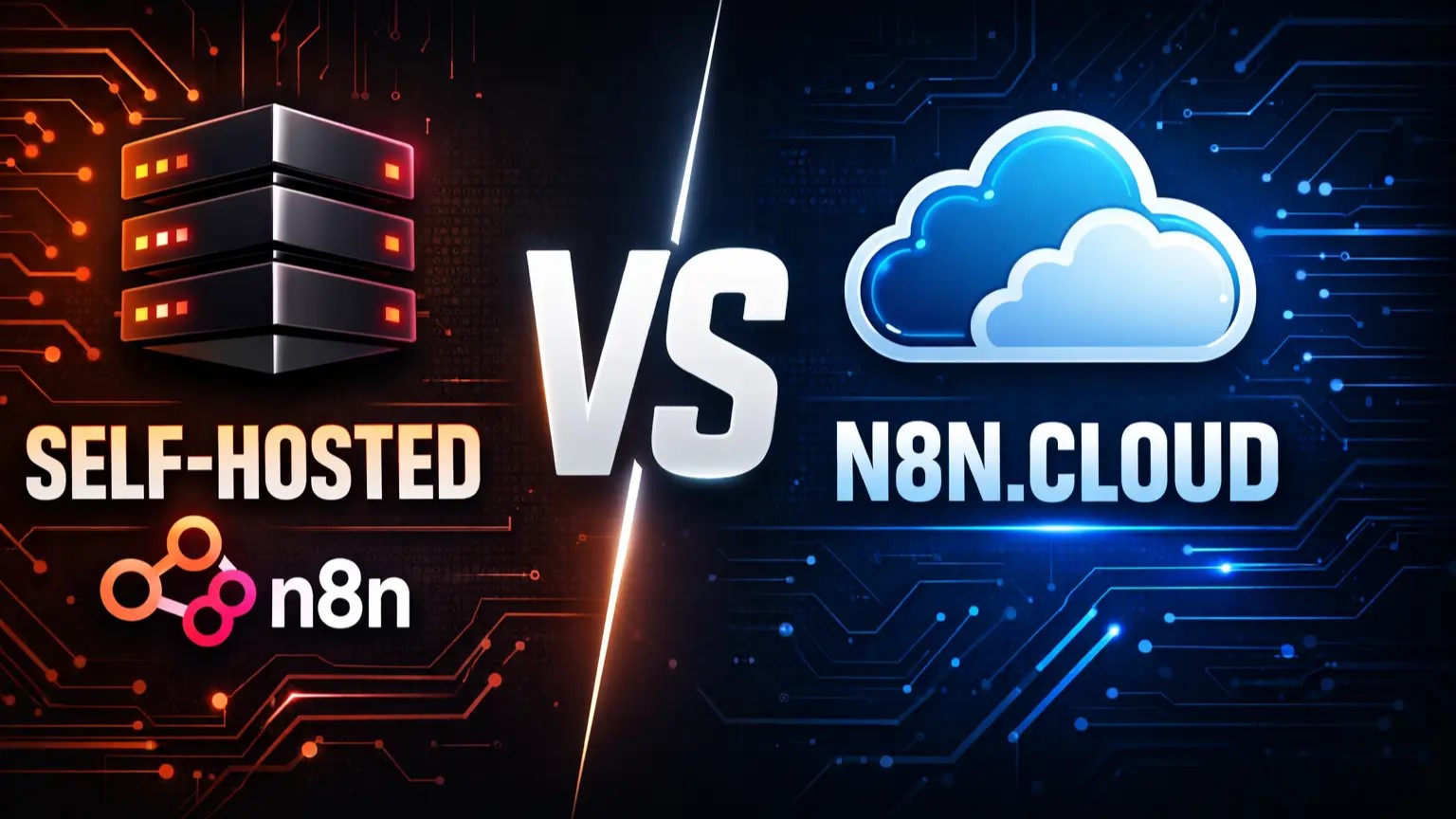
This n8n setup guide covers everything you need to know. Choosing between self-hosted and cloud hosting for n8n doesn’t have to be complicated.
What You’ll Need
This comprehensive n8n setup guide walks you through both options step-by-step.
For n8n.cloud:
- Email address
- 5 minutes
For Self-Hosted:
- VPS server (I used Hostinger – $4.99/month)
- 10-10 minutes
- Basic server access
Skill Level: Beginner for cloud, Intermediate for self-hosted
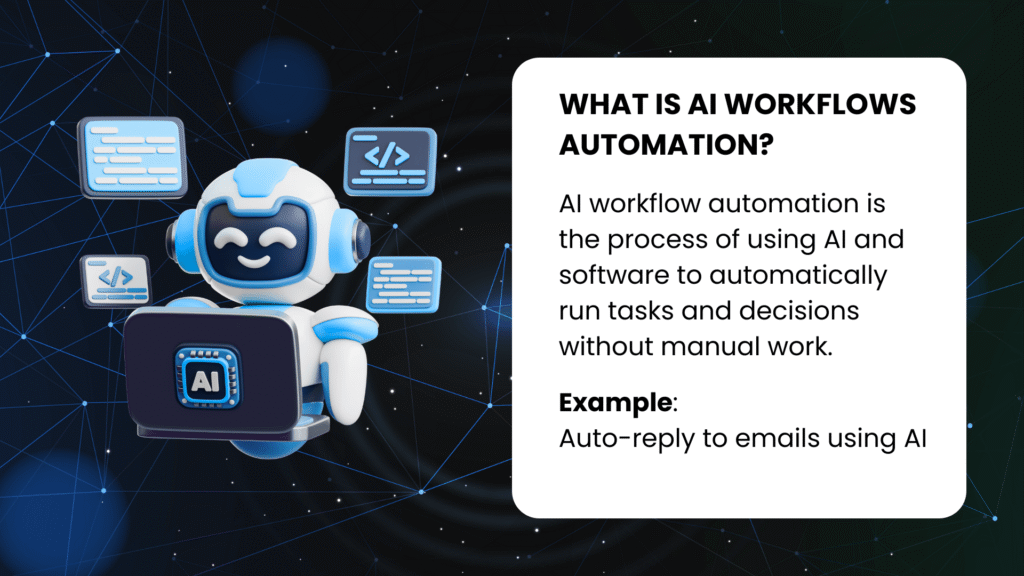
What is AI Workflows Automation?
AI workflow automation means connecting your business tools and adding AI intelligence to run tasks automatically without manual work.
Real examples:
- Auto-reply to emails using AI
- Extract data from documents automatically
- Schedule social media posts across platforms
- Generate reports from your business data
Benefits you’ll see:
- Save 10-20 hours per week
- Reduce manual errors
- Run processes 24/7
- Work smarter, not harder
Learn more about AI workflow automation on our homepage.
Why n8n?
n8n is our automation platform of choice for this entire series. Here’s why:
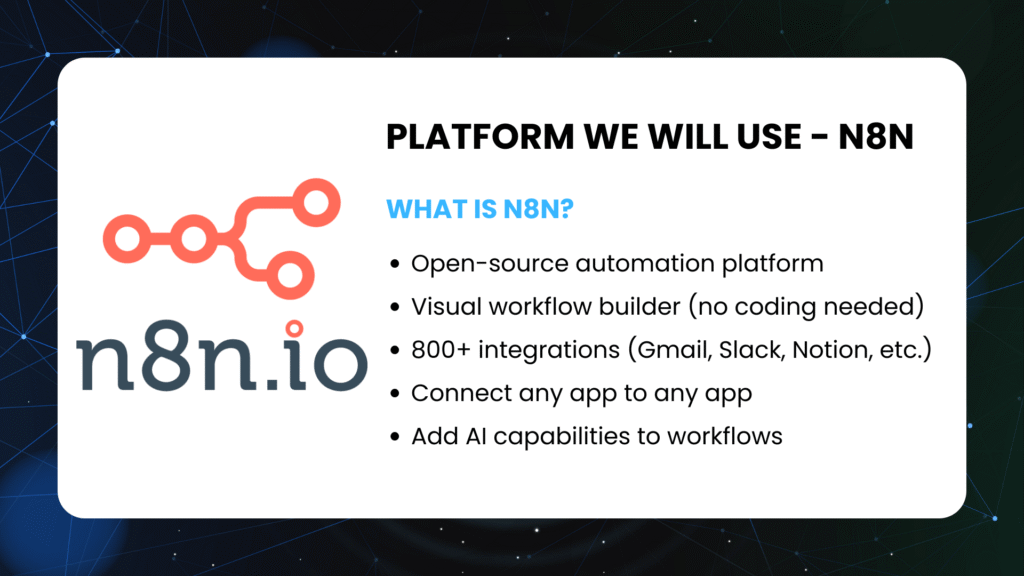
What is n8n?
- Open-source automation platform
- Visual workflow builder (no coding needed)
- 800+ integrations (Gmail, Slack, Notion, Stripe, etc.)
- Connect any app to any app
- Add AI capabilities to your workflows
Why n8n stands out: ✅ Free forever (self-hosted option) ✅ Complete data privacy ✅ No vendor lock-in ✅ Powerful yet beginner-friendly ✅ Active community support
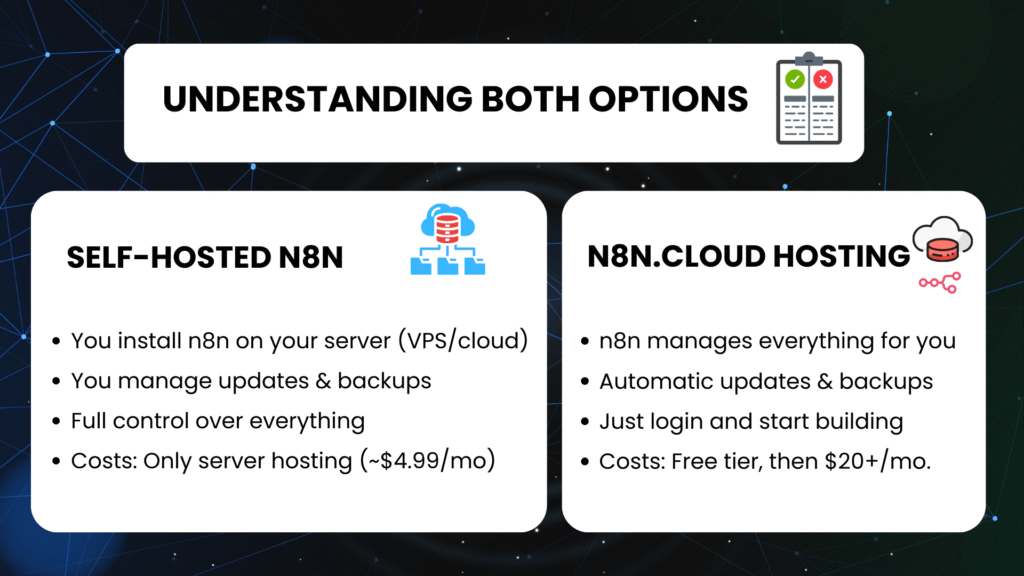
Understanding Both Options
n8n offers two ways to get started, and your choice affects costs, control, and setup time. Follow this n8n setup guide to make the right choice for your needs.
Self-Hosted n8n
What it means:
- You install n8n on your own server (VPS/cloud)
- You manage updates and backups
- Full control over everything
- Costs: Only server hosting (~$4.99/month)
Best for:
- Privacy-focused users
- Long-term projects
- Budget-conscious businesses
- Learning server management
n8n.cloud Hosting
What it means:
- n8n manages everything for you
- Automatic updates and backups
- Just login and start building
- Costs: Free tier, then $20+/month
Best for:
- Quick start (ready in 5 minutes)
- No technical setup needed
- Managed service preference
- Testing before committing
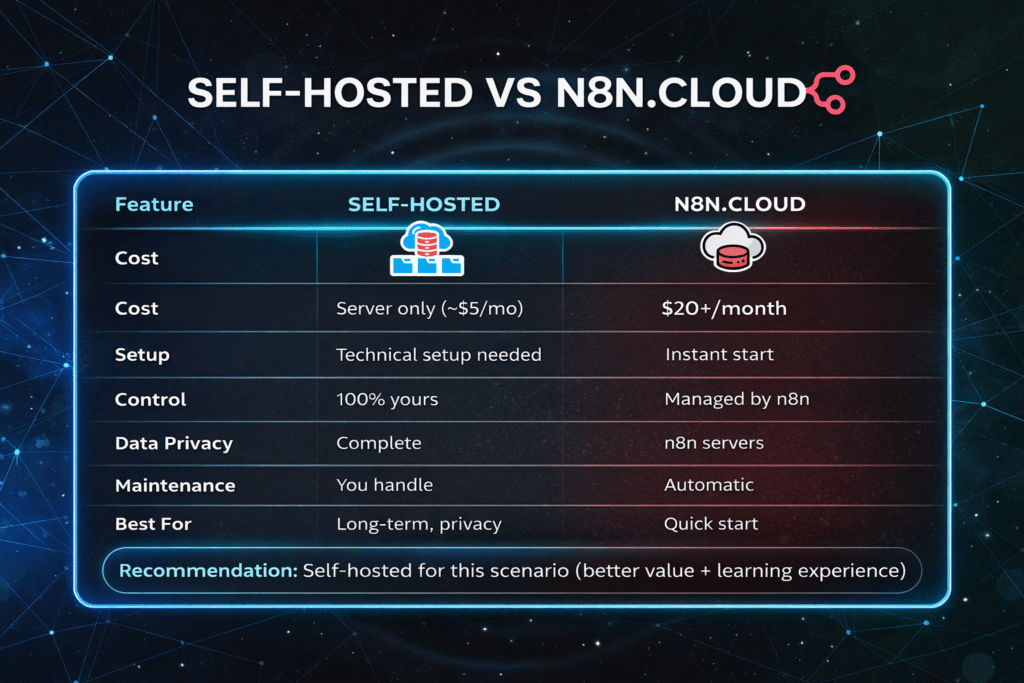
The Real Cost Comparison
Here’s what you actually pay for each option:
| Feature | Self-Hosted | n8n.cloud |
|---|---|---|
| Cost | Server only (~$5/mo) | $20+/month |
| Setup | Technical setup needed | Instant start |
| Control | 100% yours | Managed by n8n |
| Data Privacy | Complete | n8n servers |
| Maintenance | You handle | Automatic |
| Best For | Long-term, privacy | Quick start |
My recommendation: Self-hosted for this series (better value + learning experience)
Annual savings: Self-hosted saves ~$180/year compared to cloud
Setting Up n8n.cloud (The Quick Way)
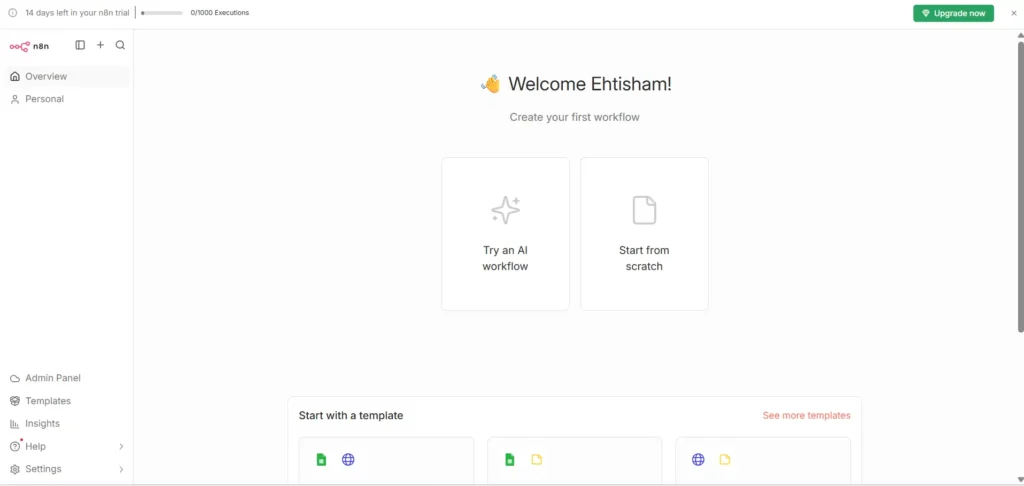
In the video, I showed the complete n8n.cloud setup process. It’s incredibly simple:
Steps I followed:
- Went to n8n.cloud and signed up
- Verified email address
- Logged in to my n8n instance
Time it took: 4 minutes from start to finish
What you get:
- 14-day free trial (no credit card required)
- Instant access to n8n workflow builder
- Pre-configured and ready to use
- Automatic updates included
The interface loads immediately at your personalized URL like yourname.n8n.cloud
Setting Up Self-Hosted n8n on VPS
In the video, I demonstrated the complete installation on Hostinger VPS. Here’s the overview of what I did:
My setup:
- Hostinger KVM 1 VPS ($4.99/month)
- Ubuntu 22.04 LTS
What the process involved:
- Created VPS server on Hostinger
- Connected to server via SSH/or from the hostinger dashboard directly.
- Configured and started n8n
- Accessed n8n at
http://server-ip:5678
Time it took: 15 minutes (including server provisioning)
Result: Fully working n8n instance with complete control
Which Option Did I Choose?
I’m using self-hosted n8n for this entire tutorial series.
Why self-hosted:
- Cost savings: $4.99/month vs $20/month = $180 saved annually
- Complete control: My data stays on my server
- No limits: Unlimited workflows and executions
- Learning experience: Understanding server management helps with troubleshooting
My actual running setup:
- Hostinger VPS at $4.99/month
- Running 10+ active workflows smoothly
- Zero downtime in the past month
- Complete data privacy
But if you need to start TODAY and don’t want server setup, n8n.cloud’s free trial is perfect.
Check our blog for more automation tutorials.
Here is the full video guide on this blog post.
This n8n setup guide helps you get started quickly with automation.
Resources:
- n8n.cloud free trial: https://n8n.cloud
- Hostinger VPS: Get Vps Now
- n8n documentation: https://docs.n8n.io